







Who is responsible for maintenance and any updates?

Our 1-click installer handles only the initial setup. Any subsequent adjustments, updates, or custom settings are intentionally left to the user’s discretion. This is partly because every environment has different requirements, and configurations often evolve quite differently during operation. To ensure that no one’s flexibility is restricted and that applications remain customizable, we do not interfere further with the system after installation.
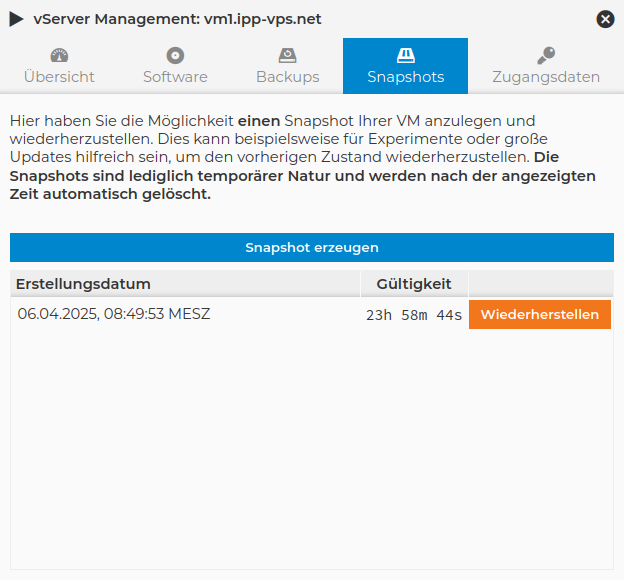
However, some applications - such as Nextcloud AIO - come with their own updater, which automatically installs new versions without requiring any manual intervention.
What technology is the application deployment based on?
Applications are typically deployed using a combination of a Debian base system as a stable host and Docker containers, in which the application runs in an isolated environment. This approach enables a clear separation between the system level and the application environment. As a result, the base system remains lean and low-maintenance, while the actual service can be flexibly updated and deployed independently.
Where are the applications installed?
Applications are typically installed under "/opt/..." on the Linux server system, ensuring they remain clearly separated from the rest of the system and are easy to manage. This path serves as a central repository for manually installed or containerized applications and enables a clean structure independent of the operating system’s package management. This separation allows updates, backups, and deployments to be performed consistently and in a traceable manner.
What about Backups?
In general, we provide a free daily data backup for (almost) all vServer plans. The only exception is our Storage vServers, due to their high storage capacity. For these, however, we offer an optional backup drive that can be mounted within the virtual machine, for example as SMBv3.
For which products is the installer available?
The installer is available for all Linux vServer products. Whether you need a small entry-level server for simple web applications or a high-performance system for demanding projects. Once you choose a Linux vServer, you can use the installer without any restrictions. This feature is currently not available for our Windows vServers.
To ensure you get the best possible setup for your project, you must first select a vServer that best fits your budget and technical requirements. This includes, for example:
- the required computing power
- the available storage space
- the I/O performance
We recommend using our comparison matrix to help you make your selection.
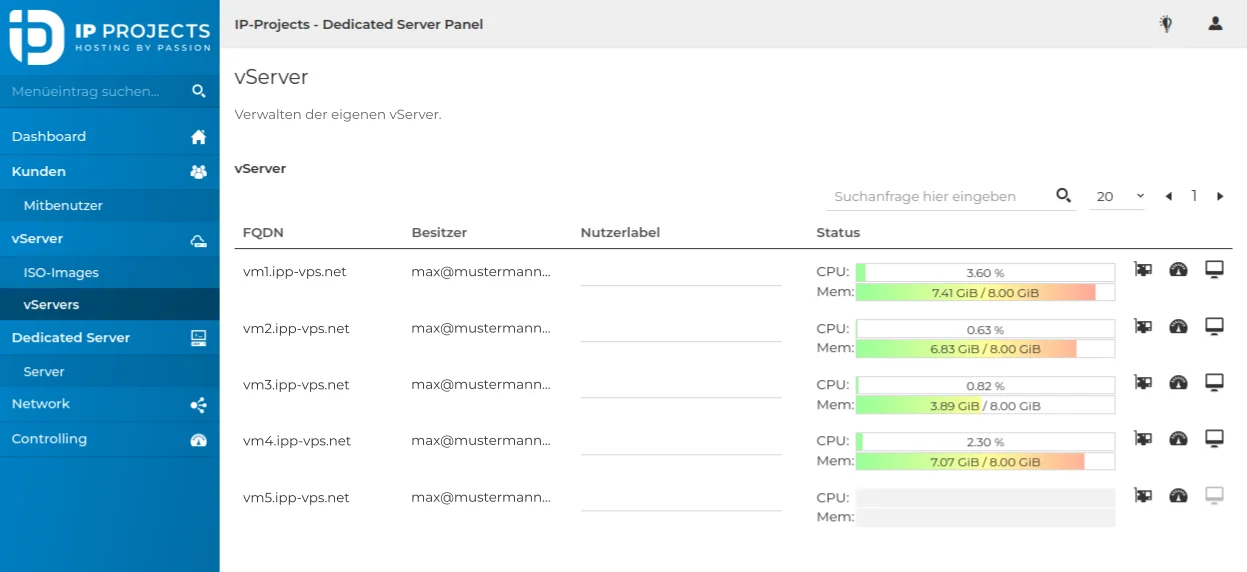
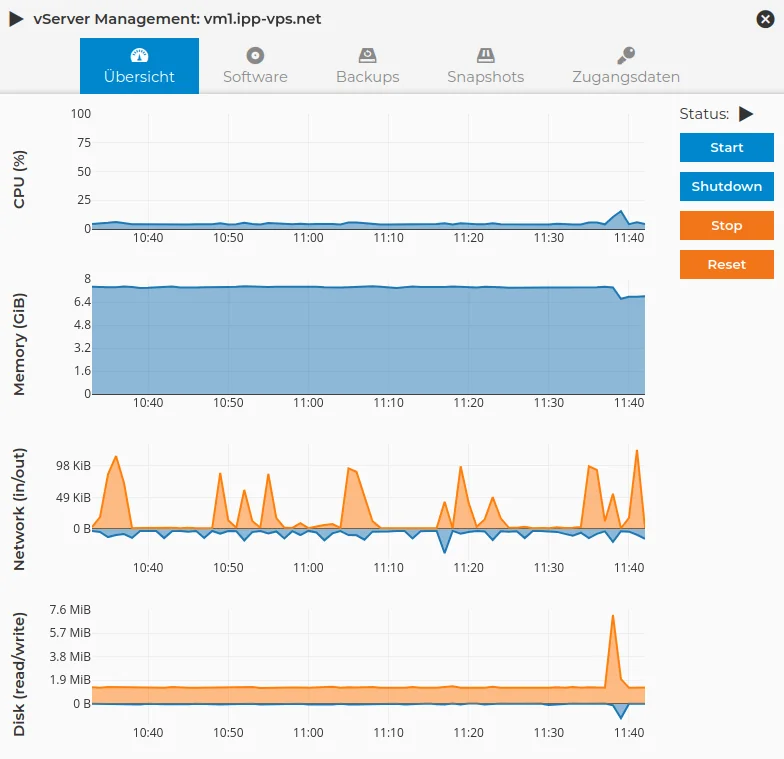
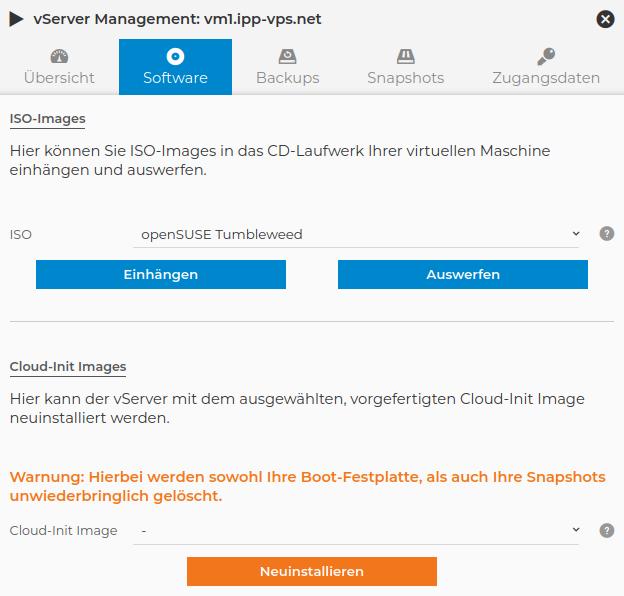
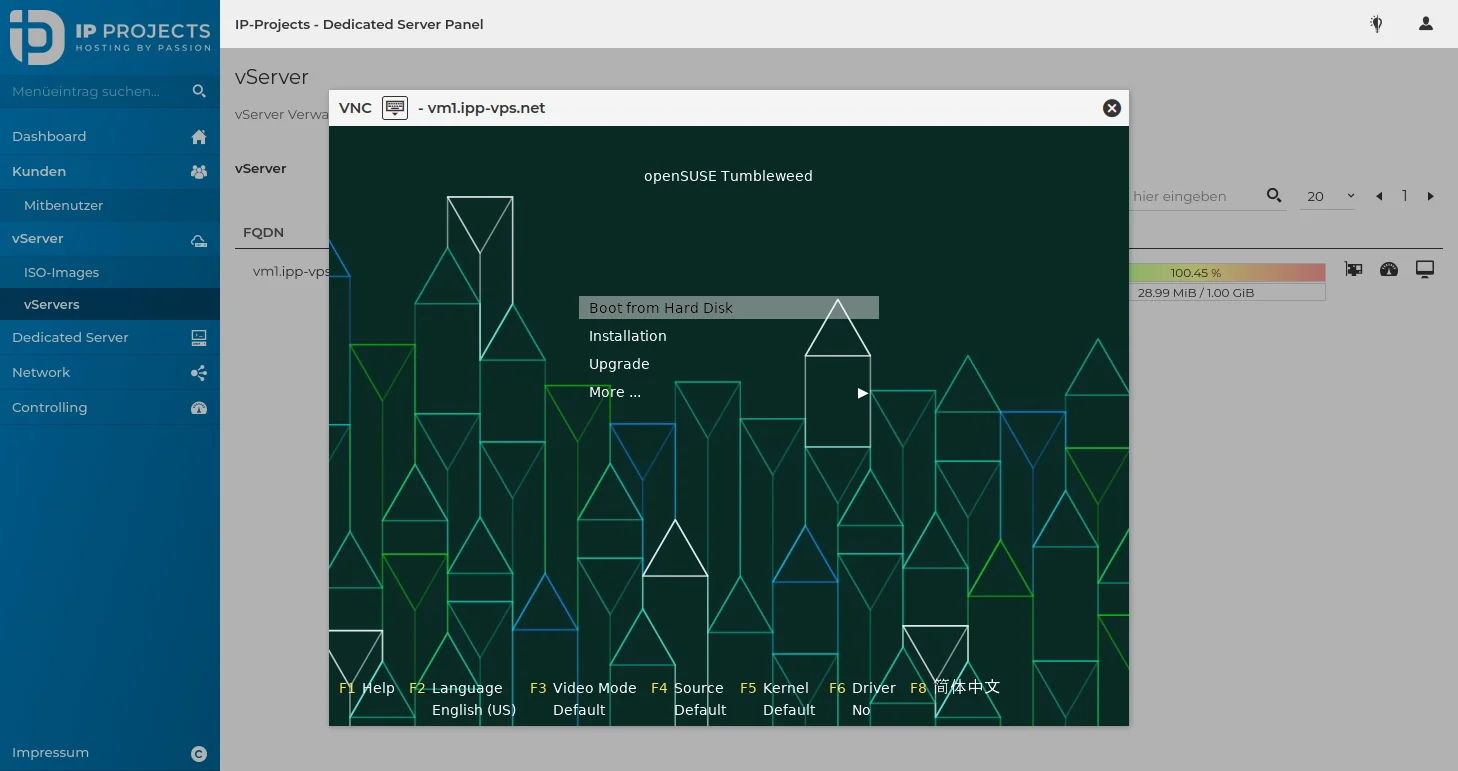
After ordering and delivery, you can easily install the desired application via our management interface.